Homeowners with 400-amp services, large properties, and multiple panels have been asking for a way to see their complete home energy picture without juggling multiple monitors. Today, we’re excited to announce that feature is here.
A Complete View of Your Home’s Energy
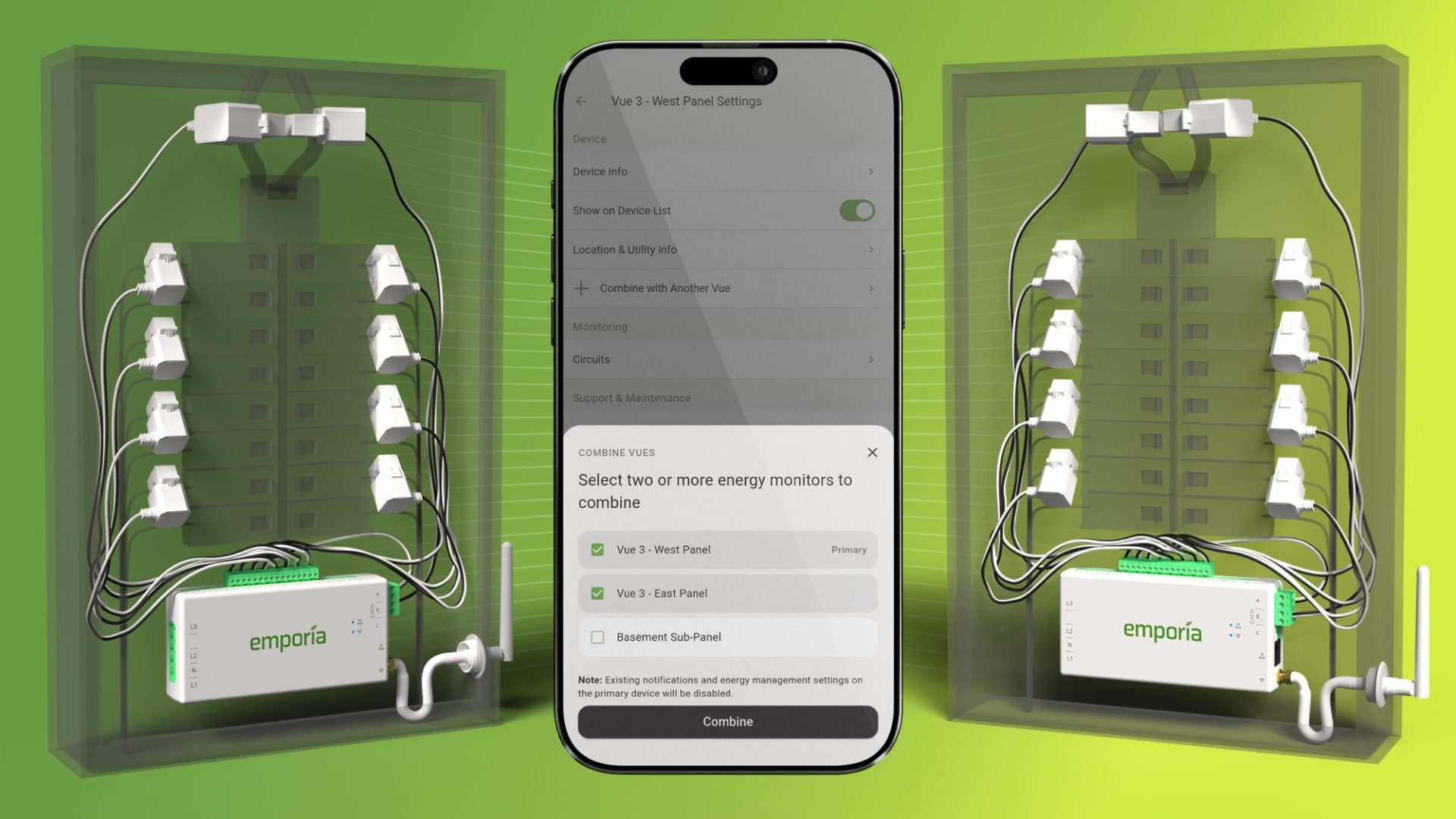
Combined Vues lets you link two or more Vue energy monitors into a single, unified view in the Emporia app. No more switching between devices. No more mental math to understand your total usage. Just one complete picture of your home’s energy consumption.
Who Benefits Most?
Combined Vues is perfect if you have:
-
A 400-amp split service with two 200-amp panels running in parallel
-
More than 16 circuits to monitor in a large home
-
Multiple panels in a small commercial or multi-family property
-
Solar with a sub-panel where accurate net metering matters
This feature provides a complete solution for monitoring larger or more complex electrical setups.
How It Works
When you combine your Vues, the Emporia app aggregates all your energy data into one unified experience:
-
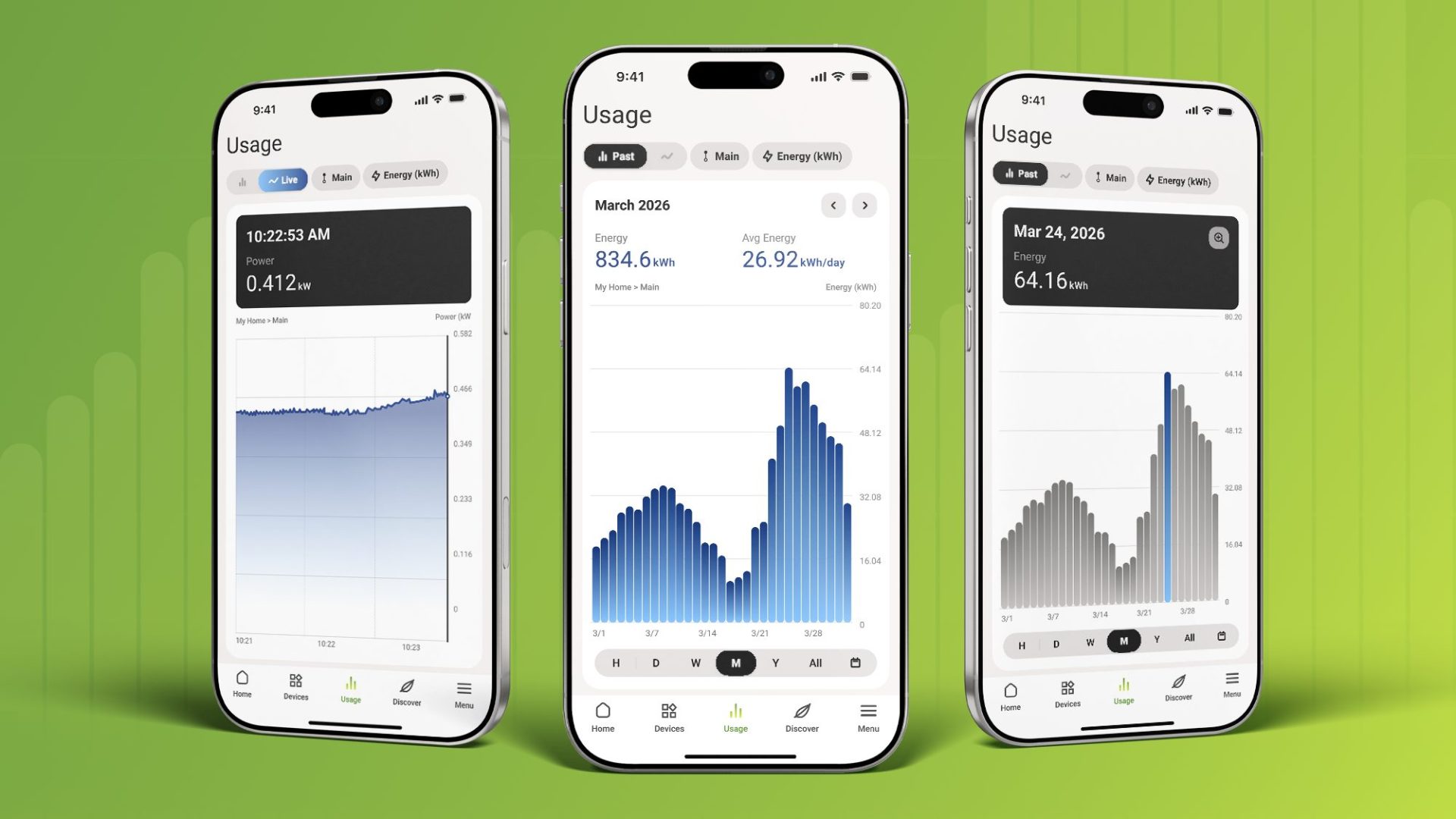
Aggregated totals showing combined watts, kWh, cost, and net usage across all monitors
-
Unified circuit list displaying all circuits from all Vues in one sorted view
-
Complete history so you can look back at usage data just like a single Vue
-
Accurate cost calculations that work seamlessly with your utility rate schedules
Your historical data is completely preserved. You can uncombine your Vues anytime, and everything stays intact.
Premium Features Work Seamlessly
Combined Vues isn’t just about seeing totals. It unlocks the full power of Emporia’s Home Energy Management Platform across your entire property:
-
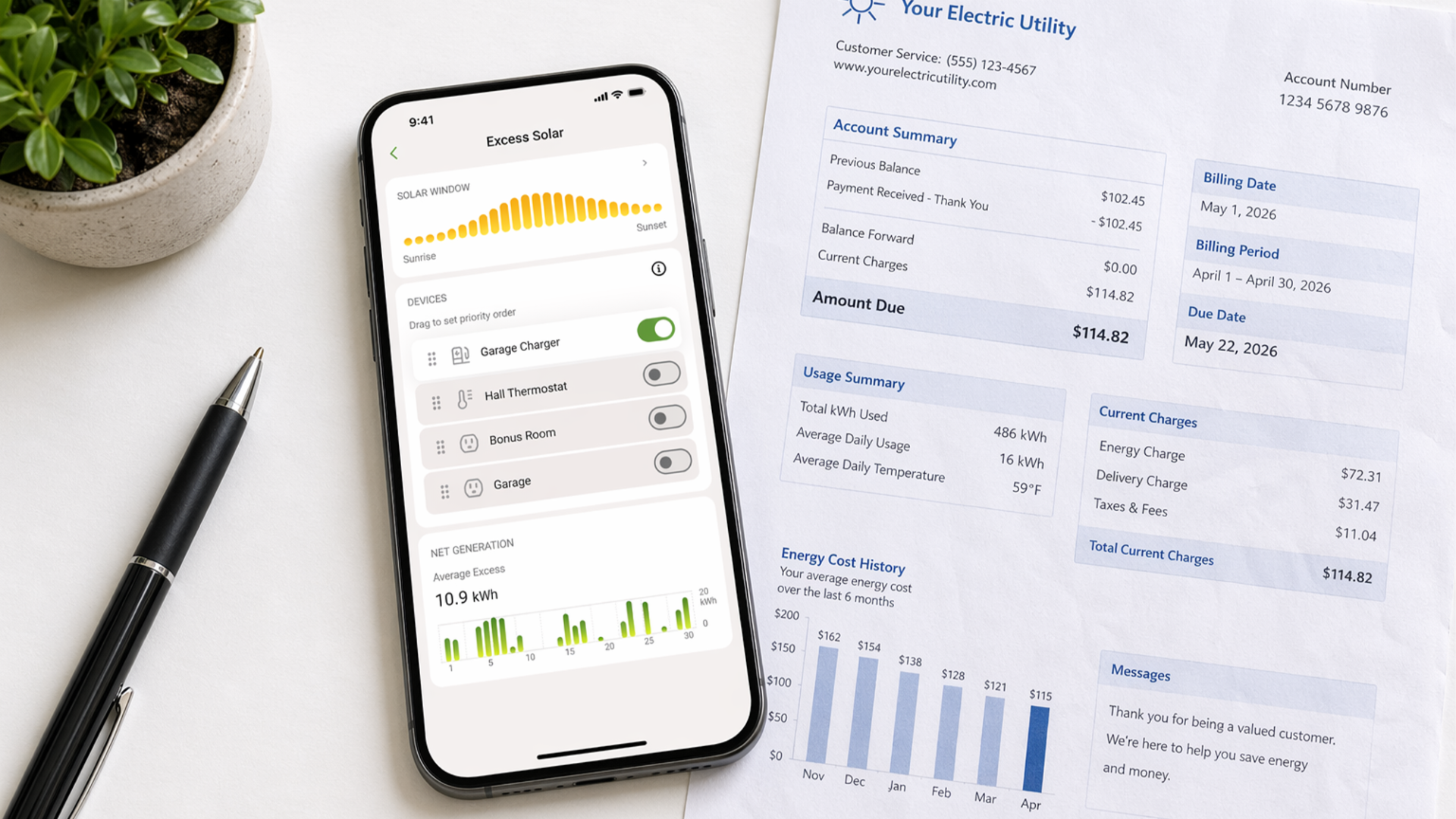
Excess Solar Management uses your true, whole-home net usage for accurate solar optimization
-
Peak Demand Management calculates demand across all panels to help you avoid costly utility charges
-
PowerSmart continues to manage load safely using your breaker settings, unchanged by the combination
Simple Setup, Powerful Results
Setting up Combined Vues takes just minutes:
-
Open the Emporia app and tap the Menu
-
Select Manage Devices and choose your primary Vue
-
Tap “Combine with Another Vue”
-
Select the monitors you want to combine
-
Tap “Combine”

Your primary Vue keeps its settings (location, utility rate, and notifications) while giving you a complete view of your home’s energy.
Ready to Combine?
Combined Vues is available now in the Emporia app (version 4.5 and later). If you already have multiple Vue monitors, head to Manage Devices to get started.
Need help deciding if Combined Vues is right for your setup? Check out our help center article or reach out to our customer support team. We’re here to help.
Find out where your electricity is actually going.
The Vue monitors every circuit in your panel and shows exactly what's using energy and what it costs. Average customer saves 10% or more monthly.