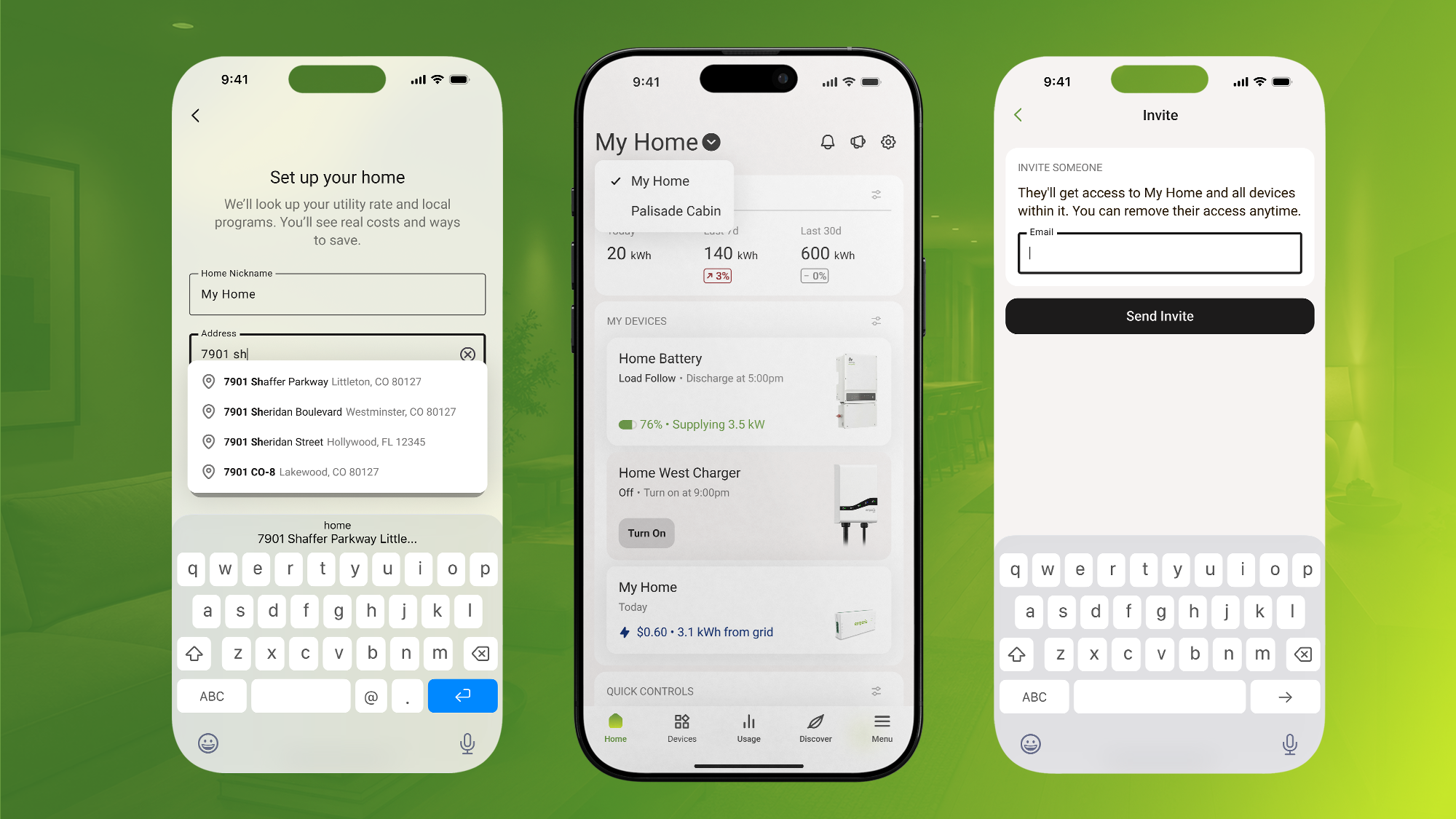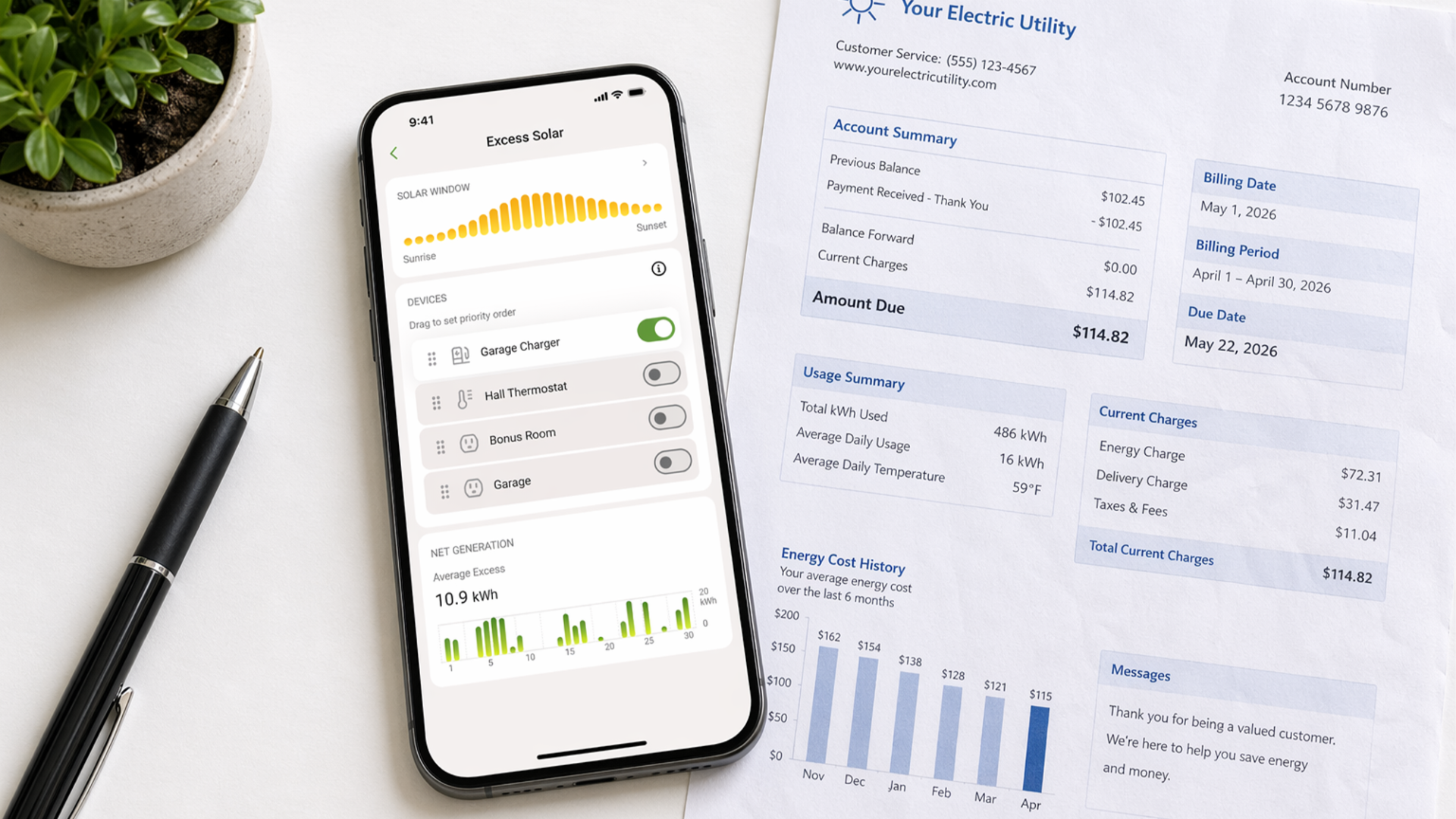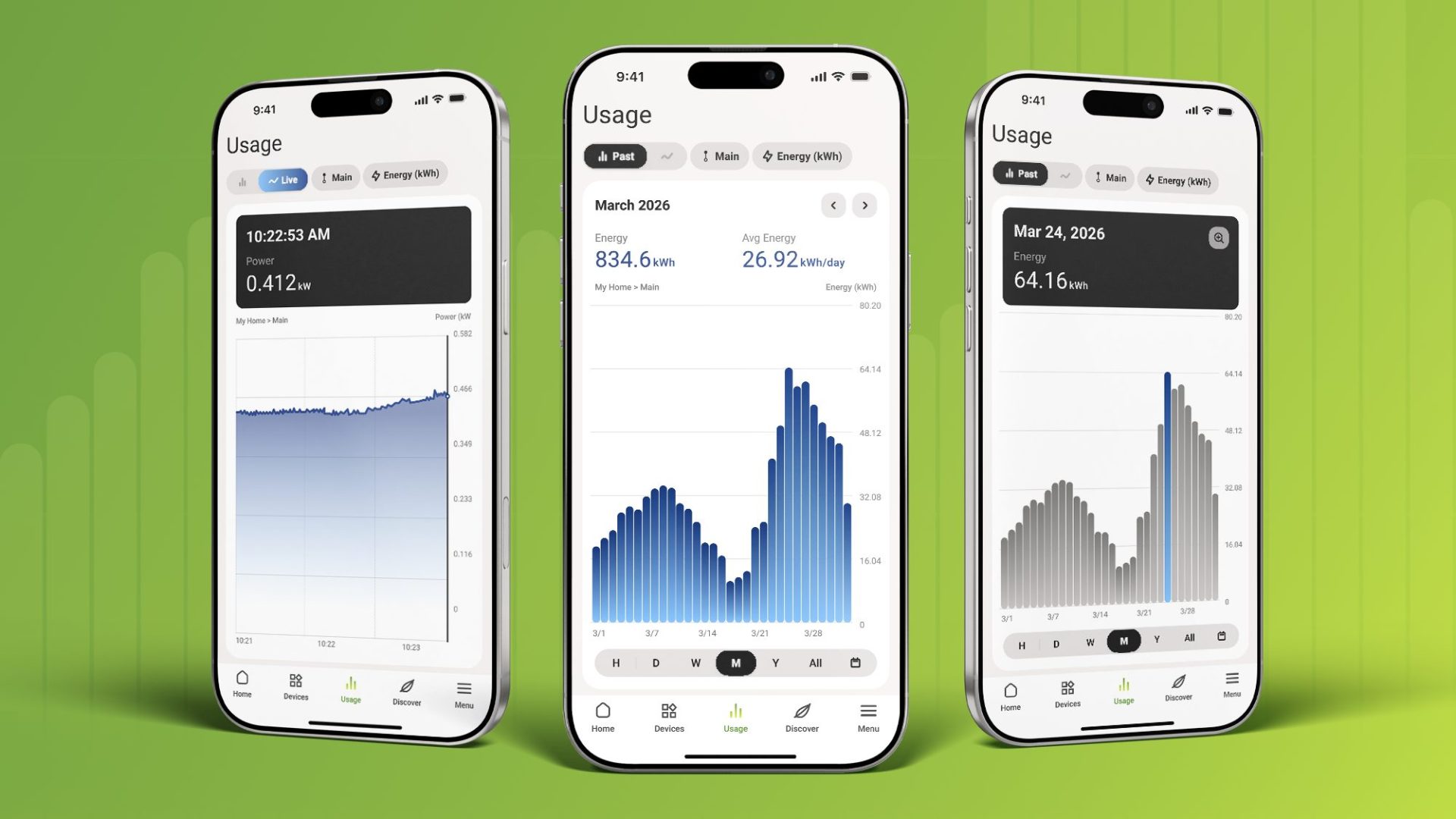
You’re scrolling through your Emporia App when a number catches your eye: last week’s energy bill was way higher than usual. You start clicking through dashboards, comparing dates, trying to piece together what happened. Was it the air conditioning? The electric vehicle charger running extra hours? That old refrigerator in the garage finally giving up?
What if you could just ask?
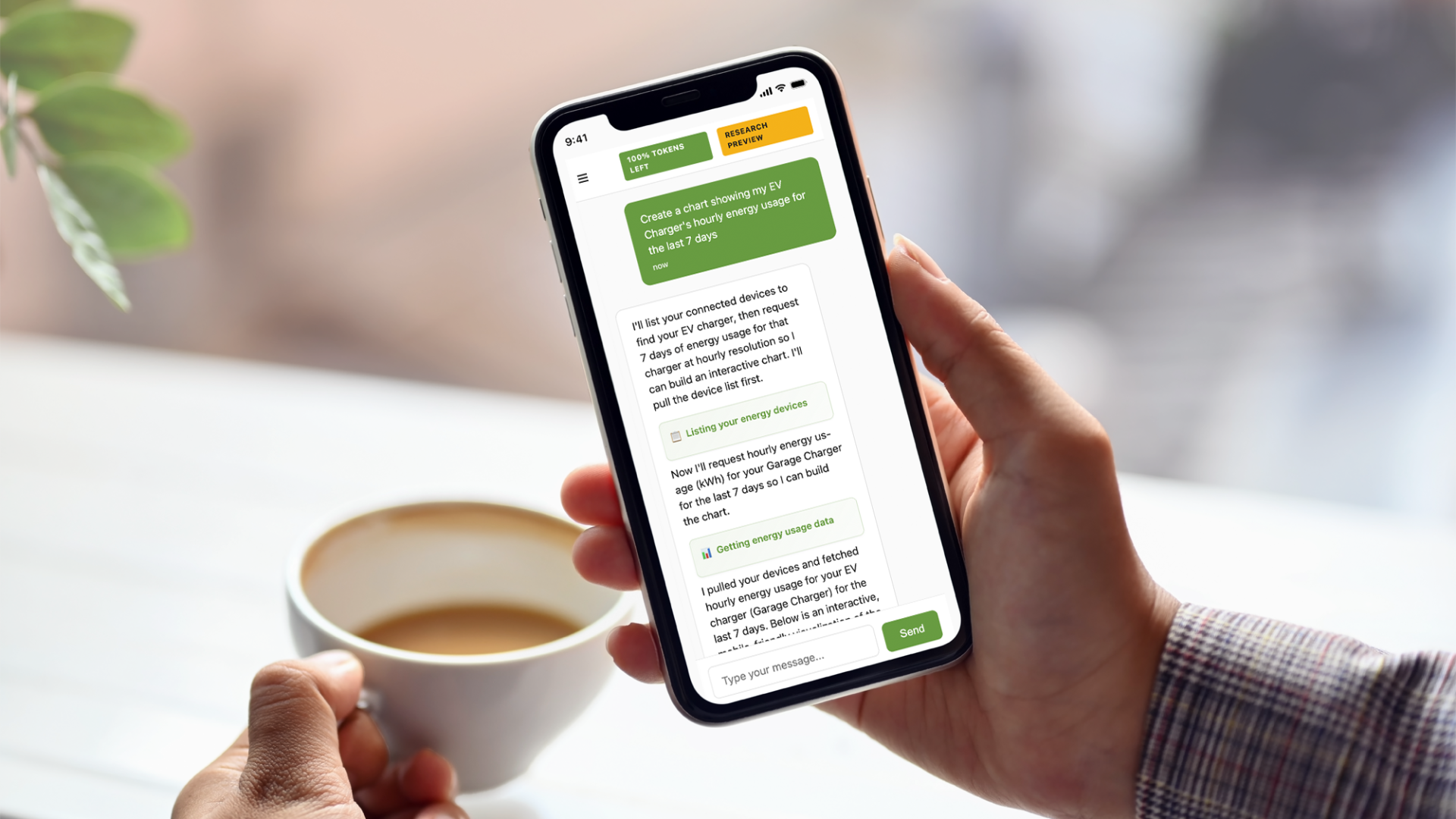
Today, we’re excited to introduce the Emporia AI Energy Assistant, a research release that lets you explore your home’s energy data through natural conversation. Instead of navigating through charts and doing mental math, you can simply ask questions and get personalized insights based on your actual usage patterns.
This is an early release. It will have rough edges. It will get better with your feedback. We’re putting it in your hands to learn what works, what doesn’t, and how you want to interact with your energy data. Think of this as an opportunity to help shape the future of home energy management.
What Is the AI Energy Assistant?
The AI Energy Assistant connects directly to your Emporia devices and usage data, giving you a conversational interface to explore your home’s energy consumption. Built on the Emporia MCP server we announced recently, it transforms complex energy data into simple, natural language conversations.
Here’s what you can do:
-
Ask questions about your usage naturally. “Why was my bill so high last week?” gets you actual answers, not just raw numbers.
-
Create custom visualizations on demand. Want to see your weekday versus weekend usage in a specific format? Just ask for it.
-
Track specific costs and patterns. “How much did it cost to charge my car in October?” gives you precise numbers pulled from your real data.
-
Get health checks on your systems. “Is anything in my house using abnormal amounts of power?” helps you catch problems before they become expensive.
-
Design your own reports. Build monthly summaries, comparison dashboards, or any visualization you’ve always wished existed.
The assistant understands context and learns as you go. You can ask follow-up questions, refine your requests, and explore your data from angles that traditional dashboards don’t offer.
Why Conversational AI for Energy Data?
Traditional energy monitoring apps show you everything at once. Dashboards are packed with charts, graphs, and numbers organized by categories someone else chose. That approach works fine when you know exactly what you’re looking for, but what about when you’re just curious? What about when you want to explore a specific question that doesn’t fit neatly into a pre-built report?
That’s where conversation changes everything. Instead of learning where to find specific information in an interface, you just ask. Instead of accepting whatever visualization format the app provides, you can request exactly what would be most useful to you.
This matters because sometimes the best way to understand your energy usage is to follow your curiosity. You might start by asking about your monthly costs, then wonder how that compares to last year, then get curious about which specific appliances drive those costs, then want to see what would happen if you made a change. A conversation flows naturally through these questions in a way that clicking through multiple dashboard screens never could.
The real power comes from personalization. The AI Energy Assistant doesn’t give generic advice or show you template reports. Every answer is based on your actual devices, your usage patterns, your home’s unique energy signature. It’s your data, presented exactly the way you need to see it.
What You Can Do With It
The possibilities are genuinely endless, but here are some practical ways Emporia users are already putting the AI Energy Assistant to work:
Investigate usage patterns. Ask “Show me when my house uses the most energy” and get a clear visualization of your daily peaks. Follow up with “Compare my weekday versus weekend usage” to understand how your routine affects costs. Drill into specific time periods, appliances, or circuits with follow-up questions.
Track costs precisely. Want to know exactly what your EV is costing you? “How much did it cost to charge my car in October?” gives you the real number. You can break it down by week, compare months, or calculate costs for specific charging sessions. The same works for any device or circuit you’re monitoring.
Find problems before they get expensive. “Is anything in my house using abnormal amounts of power?” can catch a failing appliance, a stuck relay, or an inefficient system before it drives up your next bill. Get alerts about unusual patterns and detailed performance histories for any device.
Optimize your energy use. Curious about shifting your EV charging schedule? Ask “What would happen if I moved my charging to off-peak hours?” and get actual projections based on your utility rates and usage patterns. Model different scenarios and see real savings potential.
Create custom reports. Design monthly summaries showing your top 5 energy users with cost breakdowns. Build comparison dashboards for different seasons. Generate visualizations that match exactly what you need to track. If you can describe it, the assistant can create it.
The creative freedom here is the point. We’re not limiting you to pre-built reports or standard views. Show us what you create. Share your discoveries with the community. Your ideas could inspire new features in the Emporia app and shape how all users interact with their energy data.
Privacy and Your Data
We take your privacy seriously, and that doesn’t change with AI features. Here’s exactly what happens with your data:
We never sell your information. That’s been true since day one and it remains true with the AI Energy Assistant.
The assistant is powered by OpenAI’s platform, but we’ve opted out of all data sharing. Your conversations won’t be used to train their models. Your energy data stays yours.
If you delete your Emporia account, all assistant data goes with it. Nothing lingers behind.
We believe in transparency about how technology works. The AI Energy Assistant connects to your Emporia Cloud data through the Emporia MCP server, processes your requests to generate insights, and presents results back to you. It’s built on your actual usage data, personalized to your devices and routines, and designed to respect your privacy at every step.
Research Mode: What to Expect
This is an early release, which means you can expect some growing pains. We’re calling it “research mode” because we’re genuinely learning alongside you about what makes an AI energy assistant truly useful.
Here are the current limitations you should know about:
-
You’ll encounter occasional errors and imperfect responses. The assistant is learning, and sometimes it won’t get things exactly right on the first try.
-
Users with 10 or more devices may experience slower responses or hit session limits as the system processes more complex data.
-
Very complex visualizations might not render perfectly on mobile devices. The assistant works on phones and tablets, but desktop offers the best experience for detailed charts and graphs.
-
You have roughly 50 or more messages per day, depending on conversation complexity and data volume. Long conversations with multiple complex visualizations or large date ranges may eventually hit length limits. You can start a new conversation to continue exploring.
These limitations aren’t permanent. They’re part of the research process. Every conversation helps us understand what works, what needs improvement, and what features matter most to real users.
We want your feedback. What custom visualizations would be most useful? What reports would you create if you could design them yourself? What questions does the assistant struggle with? Share your discoveries, your frustrations, and your “aha moments” with the community. Your input directly shapes how this technology evolves.
How to Get Started
Ready to explore your energy data in a new way? Visit the AI Energy Assistant on your desktop or mobile browser. Log in with your Emporia account and start asking questions. It works with any active Emporia account with connected devices.
The assistant works best on desktop for complex visualizations, but we’ve optimized the experience for mobile conversations too. Start wherever feels most natural.
Try asking about your recent usage, your biggest energy users, or what your EV charging cost last month. Ask for comparisons, request custom charts, or dig into specific circuits. Follow your curiosity and see where the conversation leads.
Start Discovering
The AI Energy Assistant represents more than just a new feature. It’s a fundamentally different way to interact with your home’s energy data. Instead of learning an interface, you have a conversation. Instead of accepting pre-built reports, you create exactly what you need. Instead of wondering about your energy usage, you get answers.
This is early-stage technology, and we’re building it transparently with our community. Your questions, your feedback, and your creative uses of the assistant will shape how everyone manages home energy in the future.
Head to the AI Energy Assistant and start discovering what your energy data can tell you. Every question you ask helps us build better tools for everyone.
Your home energy, all in one place.
Monitor usage, control your devices, and track costs from anywhere in the free Emporia app.