You open the Emporia app looking for answers. Why was last week’s bill higher than usual? Is your EV charging right now? Which circuits are using the most power?
We heard you. A lot of you told us that opening the app to see a device list didn’t really answer the questions you care about most. You wanted to understand your energy costs, control your devices quickly, and see proof that your efforts to save energy are actually working.
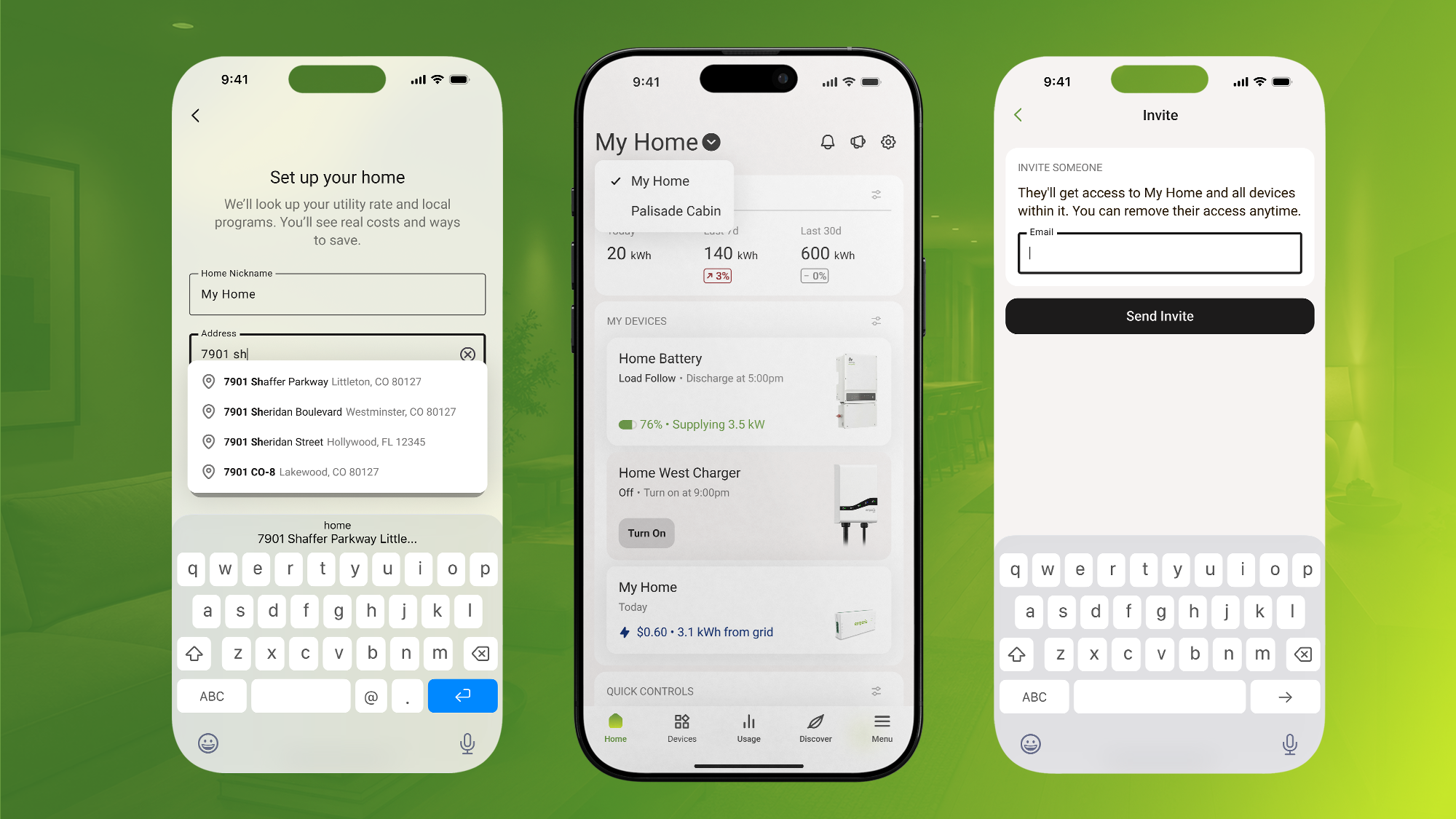
Today, we’re excited to introduce the new Emporia app home screen: a simple energy dashboard that gives you the answers you need the moment you open the app. Clear costs, real-time device control, and visible savings, all in one unified view.
What Is the New Home Screen?
The new home screen transforms the Emporia app from a device manager into a daily-use energy dashboard. Instead of navigating through menus to find information, you see what matters most immediately: your energy costs, your device status, and your savings.
This isn’t just a visual refresh. It’s a fundamental reimagining of how you interact with your home’s energy data and devices. The new home screen adapts automatically based on which Emporia devices you own, creating a personalized experience that surfaces the most relevant information for your specific setup.
The update is available now in the latest version of the Emporia app. Update your app and the new home screen becomes your default view.
Section 1: At-a-Glance Cost Visibility
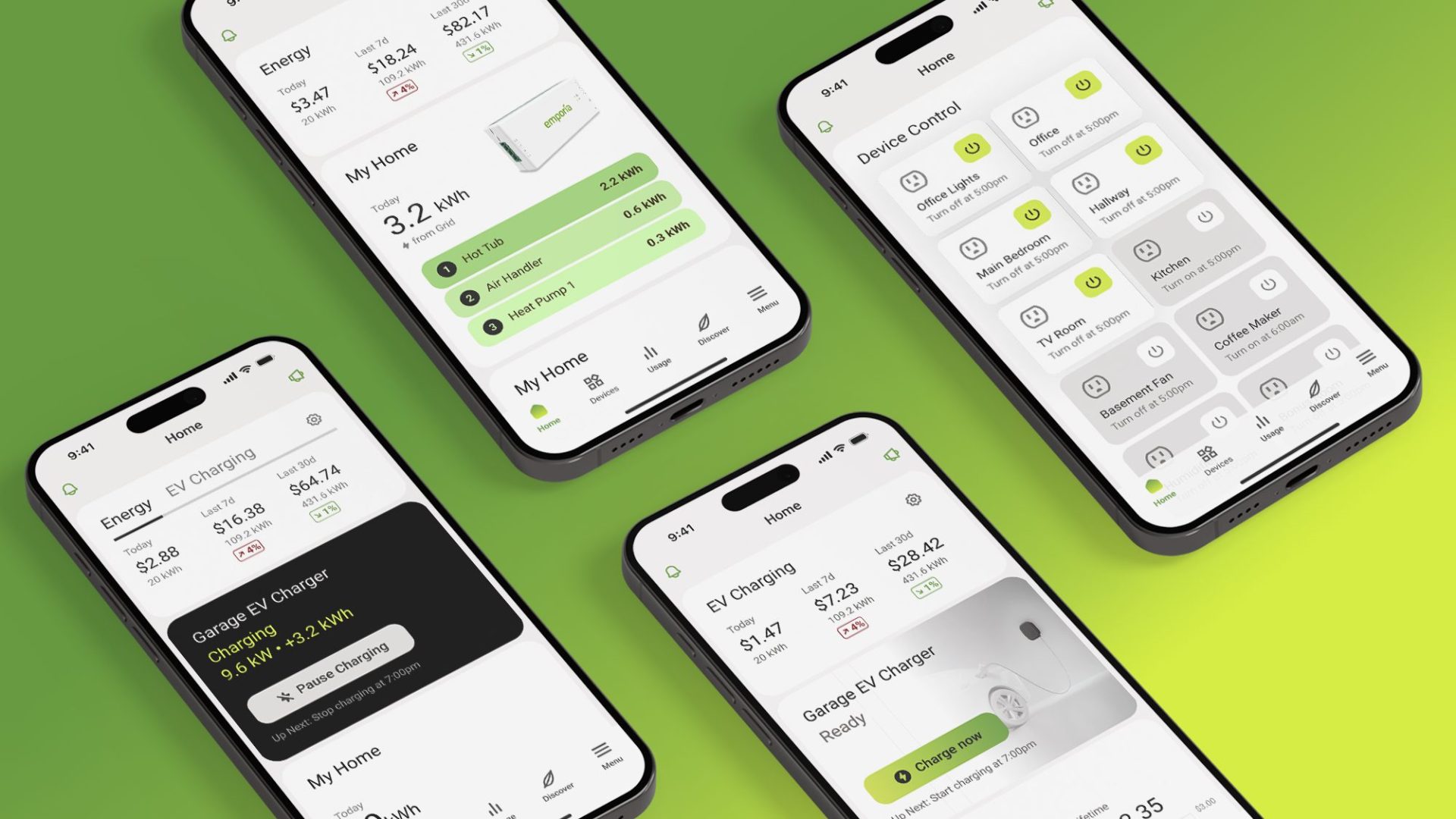
The top of your new home screen shows your energy usage at three time horizons: Today, Last 7 Days, and Last 30 Days. Trend arrows make it easy to spot changes at a glance. Is your usage going up or down? You’ll know immediately.
When you’ve set your utility rate in the app, these numbers appear as costs in dollars. If you haven’t set your rate yet, you’ll see energy usage in kilowatt-hours (kWh). Either way, you get clear visibility into your energy consumption patterns without having to dig through multiple screens.
Getting Accurate Cost Calculations
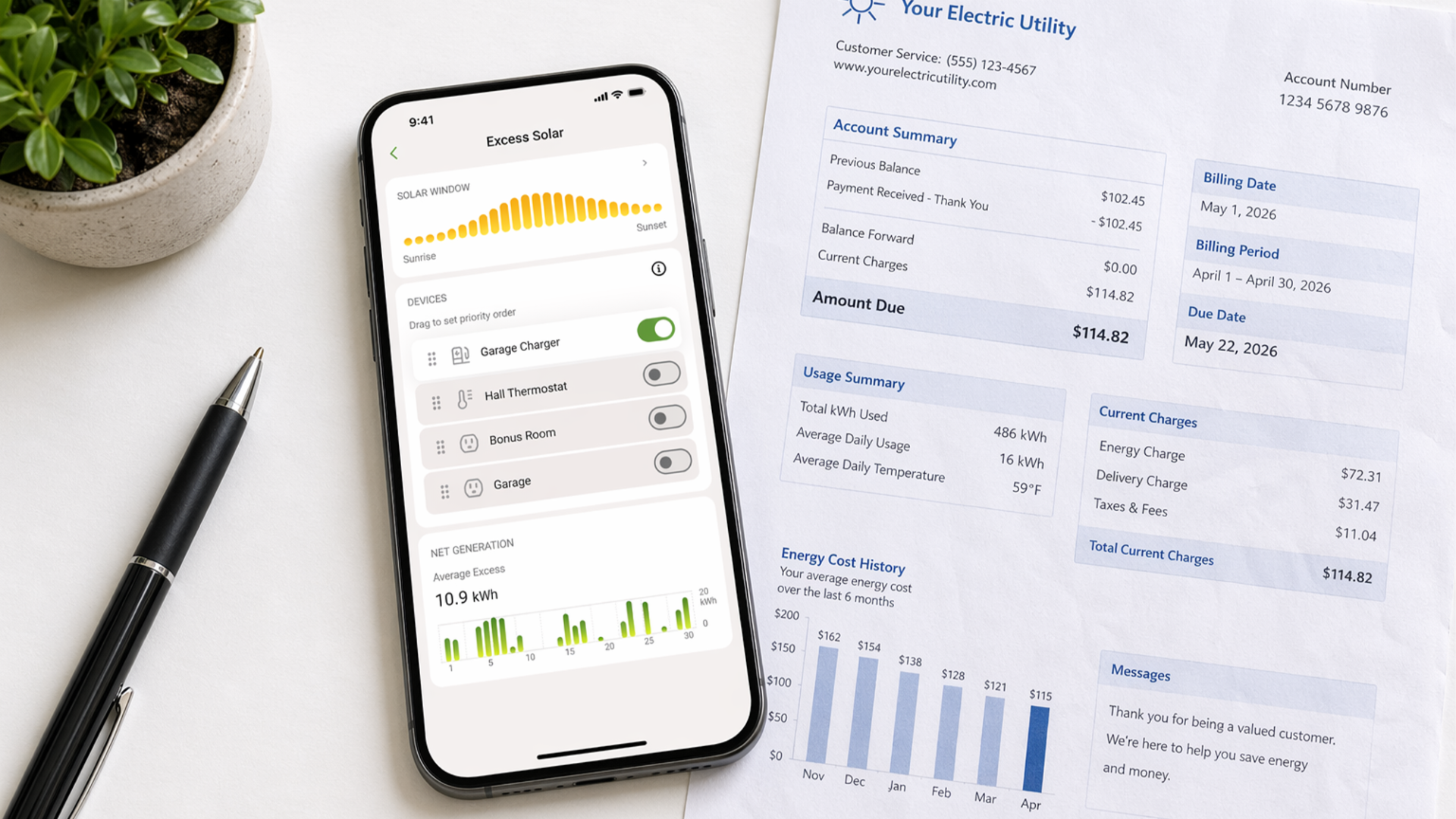
To get the most out of your new home screen, make sure your utility rate is set correctly. This ensures all cost calculations and savings estimates reflect your actual electricity pricing.
Setting your rate takes just a moment:
-
Open the Menu (☰)
-
Go to Location & Utility Info → Utility Rate
-
Choose the suggested plan based on your utility, or browse other plans in your area
-
Save your changes Once your rate is set, the home screen automatically converts all energy data into dollar amounts, making it much easier to understand the real cost of your energy use.
Section 2: Instant Device Control
The middle section of your home screen provides quick access to your most important devices—up to five of them displayed prominently without any menu diving.
What you see here depends on what you own:
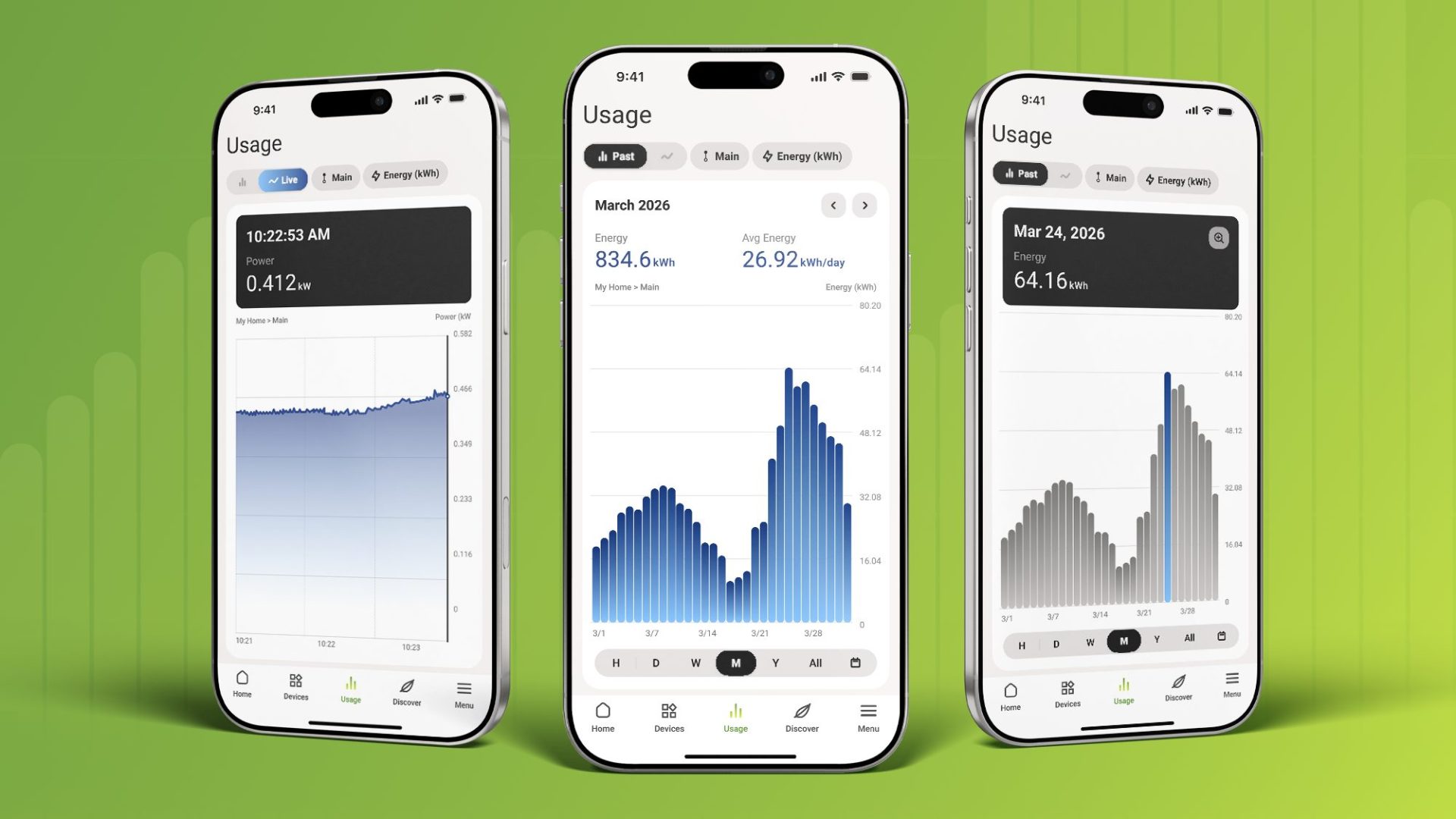
Vue Energy Monitor users see real-time home energy usage, your top energy-consuming circuits, and (if you have solar) your generation versus consumption. You can instantly identify which parts of your home are using the most power right now.
EV Charger users see your charger’s current status with live kilowatt readings. Whether your car is actively charging, scheduled to charge later, or sitting idle, you know exactly what’s happening with a single glance. The display updates dynamically as your charging state changes.
Smart Plug users get a clean grid layout showing all your connected plugs with instant On/Off controls. No more navigating to individual device screens to turn something on or off. Just tap the control right from the home screen.
If you have multiple device types (say, a Vue, an EV charger, and several smart plugs) they all appear together in this unified control center. Your entire Emporia ecosystem, accessible immediately.
Section 3: Make Your Savings Visible
The bottom section of your home screen is dedicated to showing you the impact of your energy management efforts.
Year-to-Date and Lifetime Savings appear prominently, giving you a running total of how much money you’ve saved by using Emporia’s energy management features and tools. These aren’t theoretical savings, but real dollars you’ve kept in your pocket by charging smarter, managing peak demand, or using excess solar energy.
Get More From Emporia provides quick access to helpful features like the AI Energy Assistant for exploring your data through natural conversation, a direct link to submit product ideas, and easy access to customer support. These tools help you get even more value from your Emporia setup.
One Home Screen for Every User
Perhaps the most powerful aspect of the new home screen is how it adapts to your specific setup. We don’t show you a generic template. We show you your unique energy story.
Vue-only users see a dashboard focused on home energy costs, circuit-level monitoring, and solar performance (if applicable). The emphasis is on understanding where your energy goes and how much it costs.
Charger-only users get a streamlined view centered on EV charging status, costs, and control. You see what matters for managing your vehicle’s energy needs without unnecessary clutter.
Multi-device users with both Vue energy monitors and EV chargers see a unified dashboard that connects your home energy and vehicle charging into one cohesive picture. You understand your total energy footprint and can see how home and car usage interact.
Smart Plug-focused users get a layout optimized for quick device control, making it easy to manage multiple connected devices from a single screen.
Why This Update Matters
Energy monitoring apps have traditionally been built around data organization like tabs, menus, device lists, and hierarchical navigation designed by engineers. That structure makes sense for organizing data, but it doesn’t make sense for daily use.
The questions you actually care about are simple: How much is my energy costing me? What’s using the most power right now? Is my EV charging? How much have I saved? The old app structure required multiple taps and screens to answer these questions.
The new home screen puts these answers front and center the moment you open the app. No more digging. No more navigating through menus. No more wondering if you’re looking at the right data. You open the app, and you immediately understand your energy situation.
By making costs, controls, and savings visible immediately, we reinforce that value every single time you interact with the app. You see proof that Emporia is helping you save money and use energy smarter.
Getting Started With Your New Home Screen
Ready to experience the new Emporia home screen? Here’s how to upgrade your Emporia app experience:
Step 1: Update Your App
Make sure you’re running the latest version of the Emporia app. The update is available now in the App Store and Google Play Store. Once you update, the new home screen becomes your default view automatically.
Step 2: Set Your Utility Rate
If you haven’t already, take a moment to set your utility rate to ensure accurate cost calculations:
-
Open the Menu (☰)
-
Navigate to Location & Utility Info → Utility Rate
-
Select the suggested plan for your utility or browse other options
-
Save your changes
Once your rate is set, the home screen will show all your energy data in dollar amounts, making it much easier to understand the real cost of your usage.
Step 3: Explore Your Personalized Dashboard
Open the app and take a look around. You’ll immediately see your recent energy costs with trend indicators. Check out your device controls and make sure the layout matches your expectations. Review your savings totals and explore any utility program recommendations that appear.
The home screen is designed to be intuitive, but spend a few minutes familiarizing yourself with where everything lives. You’ll quickly develop a habit of opening the app to check costs, adjust devices, or monitor your savings progress.
Your Energy Story, Front and Center
The new Emporia home screen represents our commitment to making energy management simple, clear, and immediately useful. You shouldn’t have to work to understand your energy costs or control your devices. The app should work for you from the moment you open it.
Update your app today and experience the difference. Your costs, your controls, and your savings are now exactly where they should be: right at your fingertips the second you need them.
Thanks for being part of Emporia. We’re excited to keep building better experiences that help you save more energy and money every single day.
Your home energy, all in one place.
Monitor usage, control your devices, and track costs from anywhere in the free Emporia app.