Key Takeaways
- A time-of-use rate charges different prices for electricity during peak, off-peak, and sometimes mid-peak periods.
- Peak hours commonly run from about 4 p.m. to 9 p.m., while the cheapest electricity is often available overnight.
- Off-peak rates commonly range from $0.20 to $0.25 per kilowatt-hour, with peak rates two to three times higher.
- Time-of-use pricing favors households that can move EV charging, laundry, dishwashing, pool pumps, or water heating outside peak hours.
- Energy monitoring shows which circuits drive peak usage, while chargers and smart plugs can automate shifting those loads.
A time-of-use rate is an electricity plan where the price per kilowatt-hour changes depending on when you use power. Rates are highest during “peak” hours, when demand on the grid is highest, and lowest during “off-peak” hours, usually overnight. Some utilities require it. Others offer it as a choice. Either way, the plan only saves you money if you know when peak hours hit and can move your usage around them.
This guide covers what a time-of-use rate actually is, why your utility uses one, how to tell if it’s a good deal for your household, and how to manage one without tracking your dryer cycle by hand.
What Is a Time-of-Use Rate?
“Time-of-use” (TOU) rates split the day into pricing windows instead of charging one flat rate around the clock. Most plans use two or three tiers:
- Peak: the most expensive window, typically late afternoon into evening, when grid demand is highest
- Off-peak: the cheapest window, usually overnight and sometimes midday
- Mid-peak (or “shoulder”): a middle tier some utilities add between the two
The exact hours and price gap vary by utility and by season. What doesn’t vary is the logic behind it: electricity costs more to produce when everyone wants it at once, and a TOU rate passes that cost difference on to you.
Why Do Utilities Use Time-of-Use Rates?
Utilities have to be able to meet demand at its highest point, even if that point only lasts a few hours a day. Keeping extra power plants on standby for those hours is expensive, and a flat rate spreads that expense evenly across every customer regardless of when they actually use power.
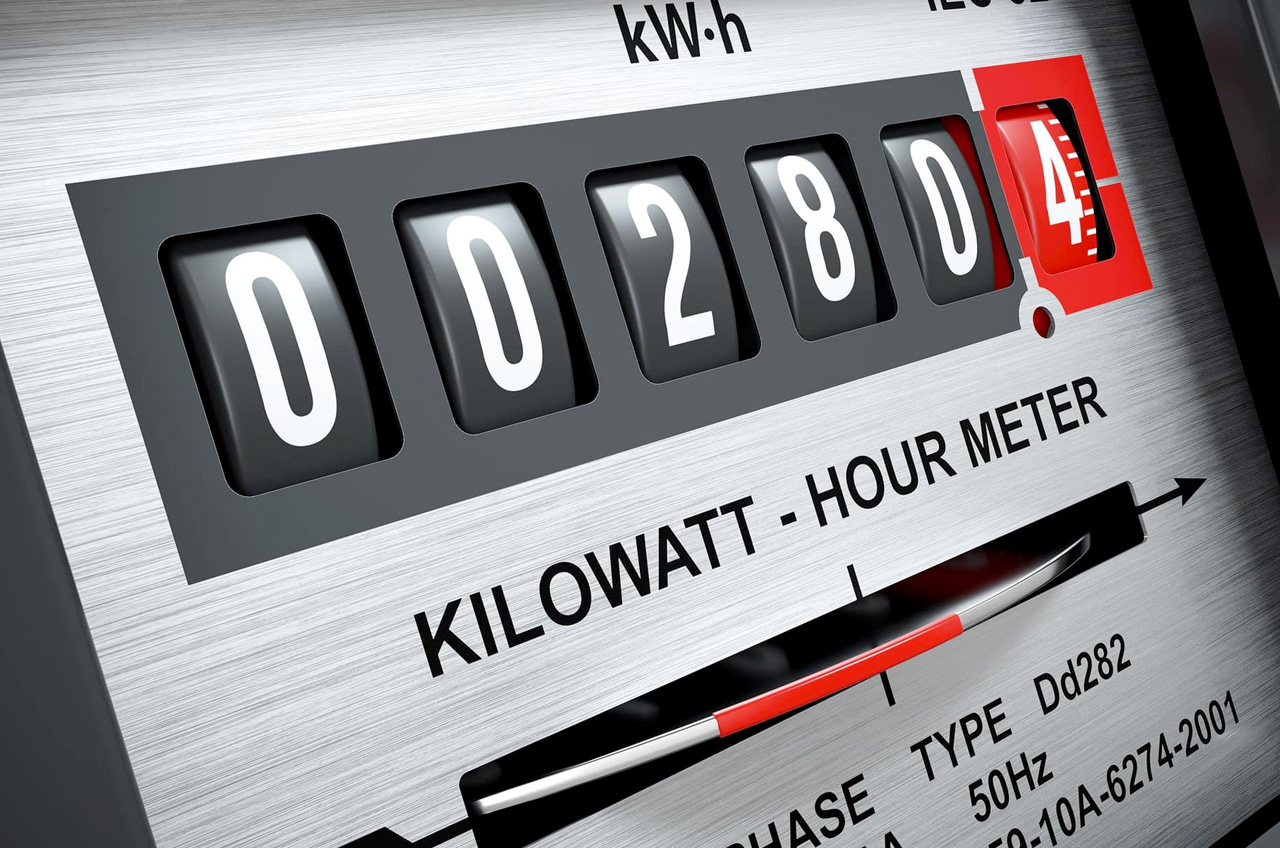
A TOU rate changes the incentive. If enough customers shift usage away from peak hours, the utility needs less backup capacity, and everyone’s costs go down. Smart meters made this possible: older meters only measured total usage for the month, but a smart meter can tell a utility exactly when you used a kilowatt-hour, not just how many you used.
That’s also why TOU adoption has grown. Once a utility can measure usage by the hour, time-based pricing becomes possible in a way it wasn’t with the previous generation of meters.
How Peak and Off-Peak Pricing Works
Peak hours are usually set to match when grid demand actually peaks: late afternoon through evening on weekdays, often 4pm to 9pm, when people get home, turn on the AC or heat, and start cooking dinner. Off-peak hours are typically overnight, when most homes and businesses are using very little power.
The price gap between the two can be significant. It’s common to see off-peak rates in the range of $0.20 to $0.25 per kilowatt-hour and peak rates two to three times higher. Check your own utility’s rate schedule for exact numbers. Some utilities post them online; others include them on your bill or through a customer portal.
Is a Time-of-Use Rate Good or Bad for You?
It depends on how flexible your usage is, not on whether TOU rates are inherently good or bad.
A TOU rate tends to save you money if you can shift big loads to off-peak hours: charging an EV overnight, running the dishwasher or laundry late in the evening, or pre-cooling your house before peak hours start. Households with an EV are often the best fit, since overnight charging is an easy, automatic shift that doesn’t require changing daily habits.
A TOU rate can cost you more if your usage is concentrated during peak hours and you can’t move it. If you’re home in the late afternoon running the AC on a hot day, or your work schedule means dinner and laundry happen at 6pm regardless, a flat rate may work out cheaper.
The only way to know which category you’re in is to see when you actually use power, which is where monitoring comes in.
How to Manage a Time-of-Use Rate
Knowing your peak hours is the easy part. Managing around them takes three things: visibility into when you’re using power, a plan for shifting what you can, and ideally, a way to automate that shift so you’re not doing it manually every day.
See Your Usage in Real Time
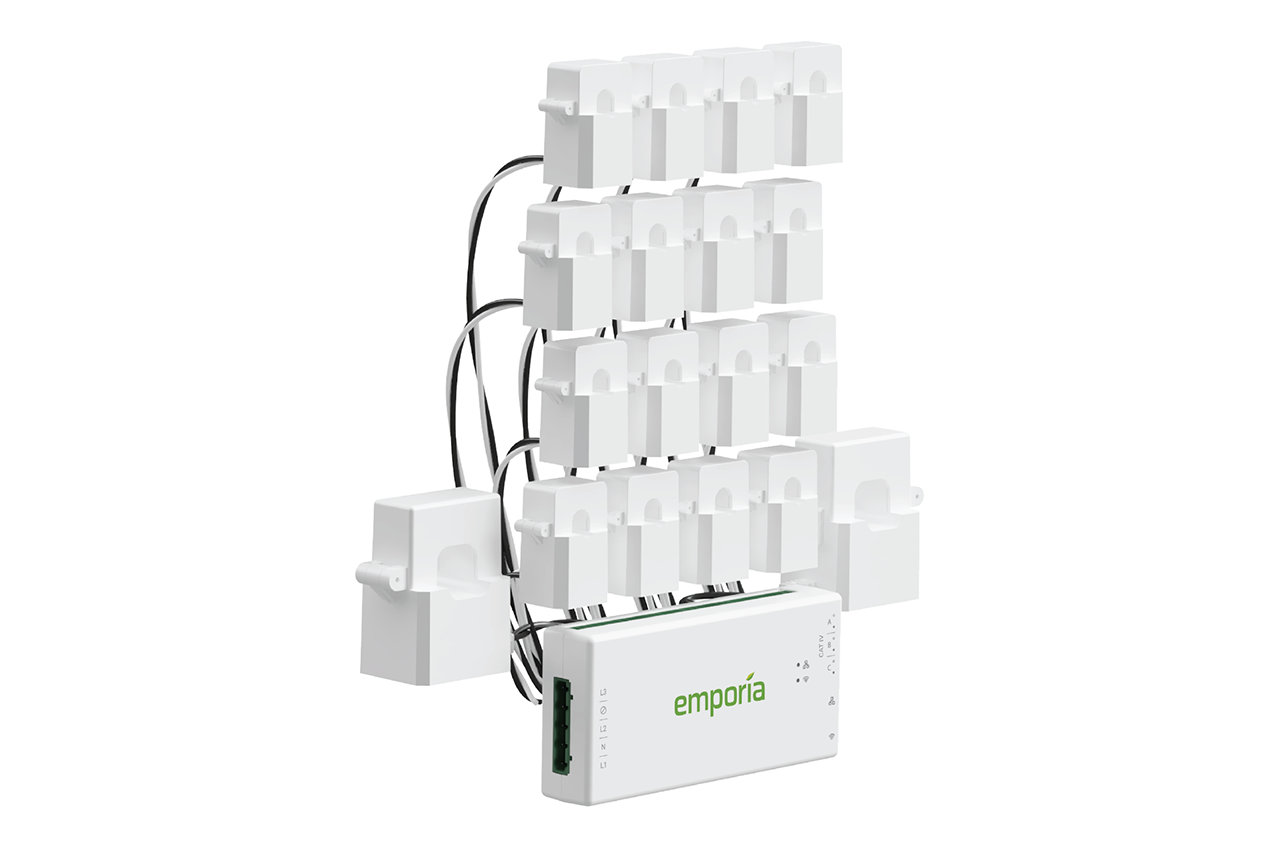
A monthly utility bill tells you how much you used. It doesn’t tell you when. The Emporia Vue 3 Home Energy Monitor closes that gap by showing usage circuit by circuit, hour by hour, so you can see exactly which appliances are running during peak hours and how much that’s costing you.
If you also have solar, the same visibility shows you when your panels are covering your usage and when you’re pulling from the grid at peak rates instead, which matters just as much for managing a TOU bill.
Shift the Big Loads
Once you can see your usage, the next step is moving the largest loads out of peak hours. The biggest wins are usually:
- EV charging, shifted to start after peak hours end
- Laundry and dishwashers, run in the evening after peak or scheduled for overnight
- Pool pumps and water heaters, scheduled to run during off-peak windows
Small appliances rarely move the needle. A coffee maker or phone charger draws too little power to matter. The savings come from the handful of high-draw devices you can control on a schedule.
One Less Thing to Manage
This is where the Vue 3’s visibility turns into an actual habit instead of a one-time realization. Emporia EV chargers include Smart Saver, which syncs directly to your utility’s time-of-use rate from the Emporia app and automatically starts charging once off-peak pricing kicks in, no manual scheduling required. For other devices, Emporia Smart Plugs let you set your own schedule around the same peak and off-peak windows, so something like a space heater or entertainment center shuts off automatically before peak hours start.
The Vue 3 shows you what’s driving your bill. The charger and Smart Plugs handle the actual shifting once you know where to point them.
The Bottom Line
A time-of-use rate isn’t automatically good or bad. It rewards households that can shift usage away from peak hours and costs more for those that can’t. The difference between the two comes down to whether you can see your usage clearly enough to know what to shift, and whether you can automate that shift instead of managing it by hand every day.
Curious what a TOU rate would do to your bill? See how much you could save with a home energy monitor before you switch plans.
Frequently Asked Questions
Start saving on every charge.
Switching is entirely online in the Emporia app and takes about 10 minutes. No technician visit, no service interruption.